OTAN Canvas Courses: Free and Ready to Use Today
by Debra Jensen, OTAN Subject Matter Expert
For this article, we will examine why you should consider Canvas Courses for your classroom and how you can use the Canvas course whether you are in-person, hybrid, or completely online. We will look at the courses currently available and finally how you can get these free courses. Lastly, we will walk through how to submit requests for future course developments.
Why Canvas?
The California Adult Education Canvas Commons reflects a collaboration OTAN is committed to. As educators, we want to share resources for all to use. For too long, adult educators have worked in silos creating and recreating resources for our students, schools and communities. Now, we want to share those resources so each teacher can focus on creating new resources that reflect the evolving needs of their students. Canvas Commons creates a space where teachers and curriculum creators can freely share their courses. Join us in the Adult Education Canvas Commons Commitment.
Canvas is an LMS (Learning Management System) that is cloud-based and well supported, keeping it current in necessary updates and available 24/7 on any device. It serves students by providing a central area for class materials and instruction; a place to submit assignments, take quizzes, check for grades, and interact with the teacher and potentially other classmates. Canvas offers teachers one place to gather all materials whether written, audio, or video; distribute those materials, make assignments, grade assignments, and manage the online gradebook; discussions can be facilitated whether class members are in the classroom or somewhere else and whether they are synchronous or asynchronous. Finally, Canvas gives teachers a platform to organize materials allowing for differentiation, so individual student abilities can be focused on thereby improving learning.
How Can You Use Canvas Courses
We have seen education change drastically over the last few decades. It once was solely offered in a brick-and-mortar classroom, which was personal but limited to a given time and place. Now with wide-spread access to the internet and the pandemic accelerating opportunities for distance learning, adult learners, especially those with jobs or transportation problems, have more flexibility.
Teachers could expand their classroom and offer combinations of in-person, online, hybrid (where some students attend in person while others access the class online synchronously) and even the flipped classroom model in which the teacher inverts student access to the core course information, assigning it as homework and dedicating the in-class experience to expanded discussion and personal assistance. Canvas assists in all these classrooms.
Video platform for personal connection
Directed pathway
Current OTAN Canvas Courses
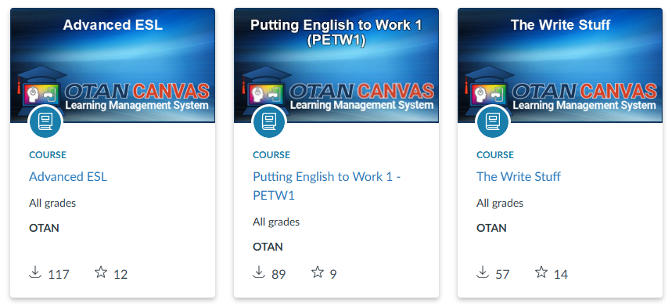
Here are the current OTAN courses by program area. This list expands each year as more courses are added.
- EL Civics courses: Banking, Employment
- Putting English to Work 1, 2, 3
- The Write Stuff
- Advanced ESL
- English for Multilingual Learners
- Digital ESL Canvas Companion
- For Students: DART - Digital Access and Resilience with Technology
- Personal Success Through Writing
- Success in School
- Soft Skills for Career Success
- EDC Digital Upskilling Training Program/Computer Basics Toolkit (this course can be used in multiple program areas)
- Adults with Disabilities Resource
Examples of the current courses:
Advanced ESL:
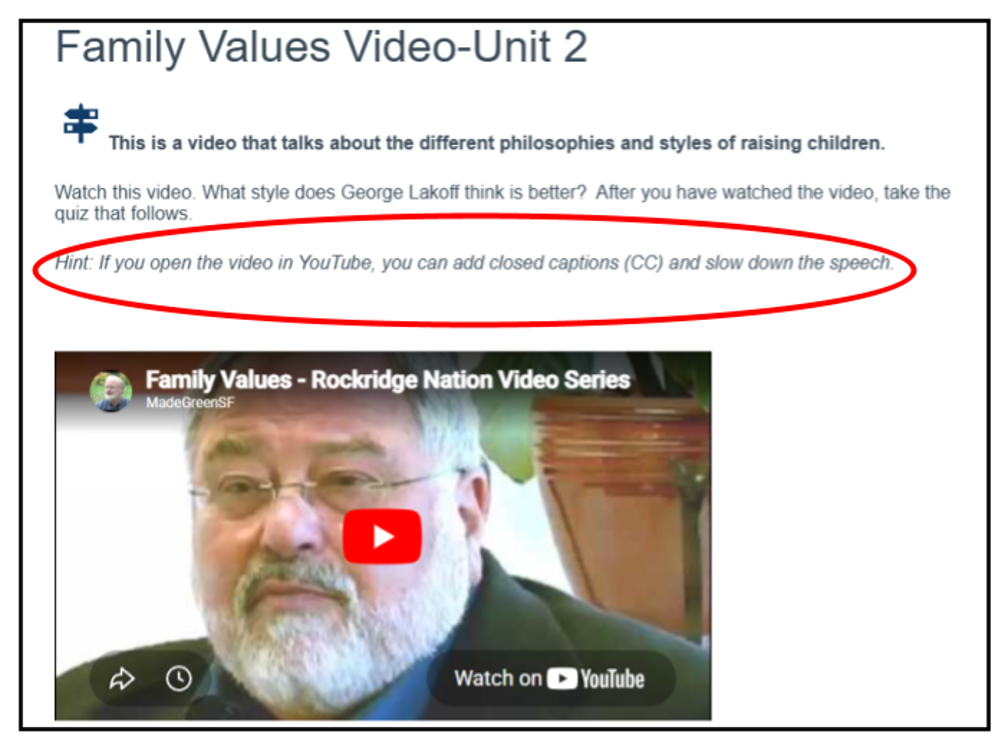
Notice the Hint. “If you open the video in YouTube, you can add closed captions (CC) and slow down the speech.” Students may miss the advantages available to them as they use online resources.
Putting English to Work
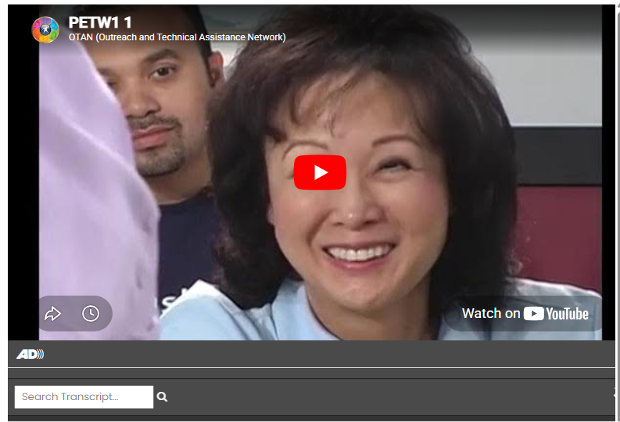
This lively series was created by ESL teachers to teach our students English. These teachers know the challenges our students face. They know the language and literacy skills our students will need to succeed. The course offers video episodes, grammar, life skill exercises, and assessments.
For Students: DART - Digital Access and Resilience with Technology
Teaching Digital Skills to lower-level ESL students is difficult. This course integrates beginning English language learning with beginning and foundational digital literacy skills.
Skills include the very basics of recognizing upper and lowercase letters, waking a computer from sleep mode, using taskbars, minimizing and reshaping windows, practicing basic digital security, and creating a username and complex password that is still easy to remember.
The course has gathered Digital Literacy Resources for assessment, skill lessons and tech tools. It was designed to work alongside adult education programs, workforce readiness courses, and ESL or literacy instruction.
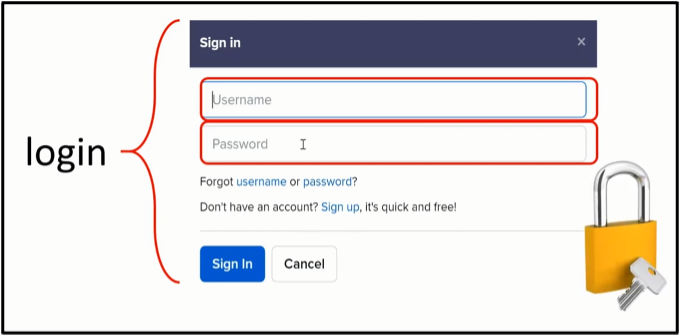
This is just one example of a clearly spoken short video: “A login is a username and password that protects your information.” The narrator walks the student through the information.
Soft Skills for Career Success
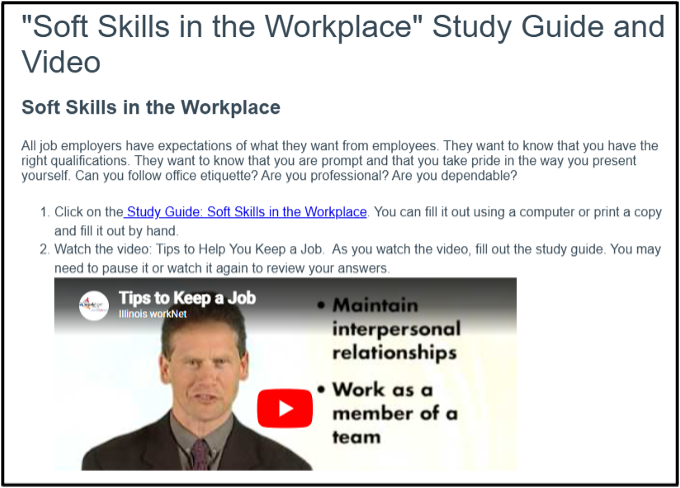
This course includes To Do Lists, Downloadable Study Guides, Presentations, Quizzes, and Assignments. It was designed with the idea that our students sometimes watch videos and miss the main points. Students fill out the study guides to guide their learning and prepare for assignments and quizzes.
Adults with Disabilities Resource
We often have students in our classes who have learning disabilities. This Canvas Course is filled with informative resources to help you help them.
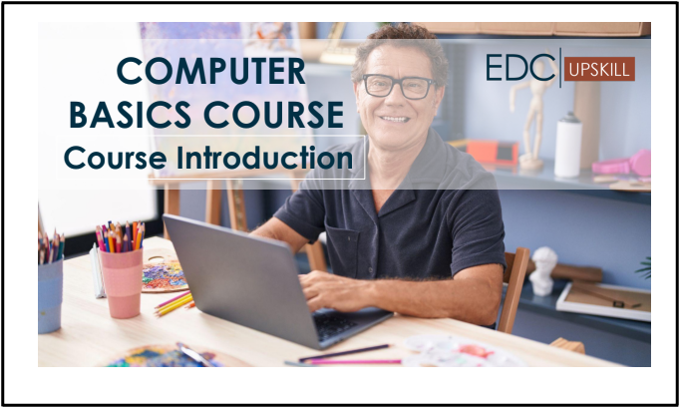
For Students: EDC Digital Upskilling Training Program / Computer Basics Toolkit
This course includes a 144-page printable student handbook covering computer basics. Its materials, including the workbook, are comprehensive and well designed.
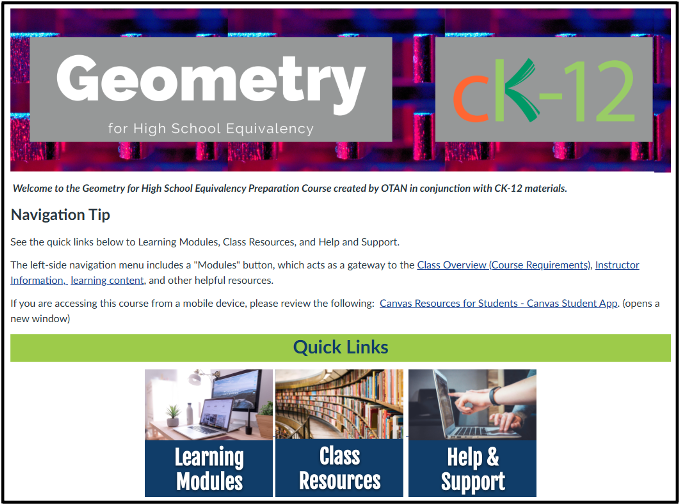
CK-12: Geometry for High School Equivalency
CK-12 is a non-profit organization that provides free customizable digital textbooks that are interactive with video tutorials, adaptive practice, simulations and an AI and course backed digital tutor available to students and teachers. OTAN has converted courses to meet adult education needs. Here are examples of three courses: Geometry for High School Equivalency, Health Science for Medical Career Training, and Home Care Aide.
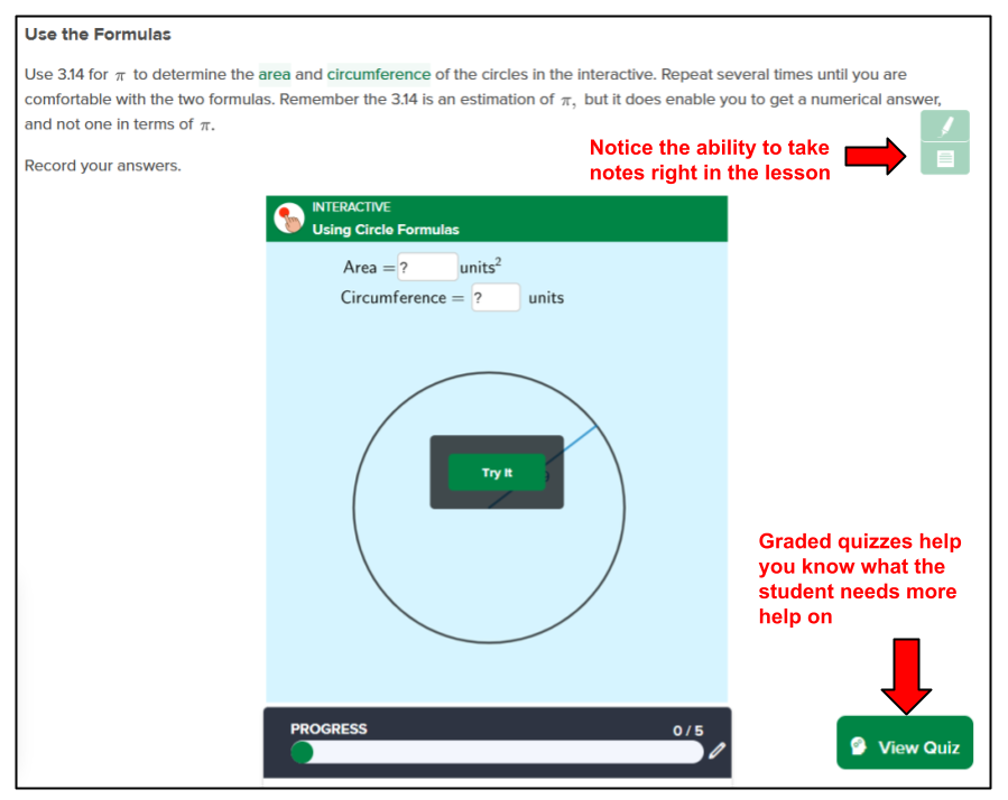
Example from Geometry for HSE: CK-12 Lesson on Solving Problems with Circles
Interactive activities allow the student to work on problems. They can take notes right in the lesson. Graded quizzes let the teacher know what the students need more help in.
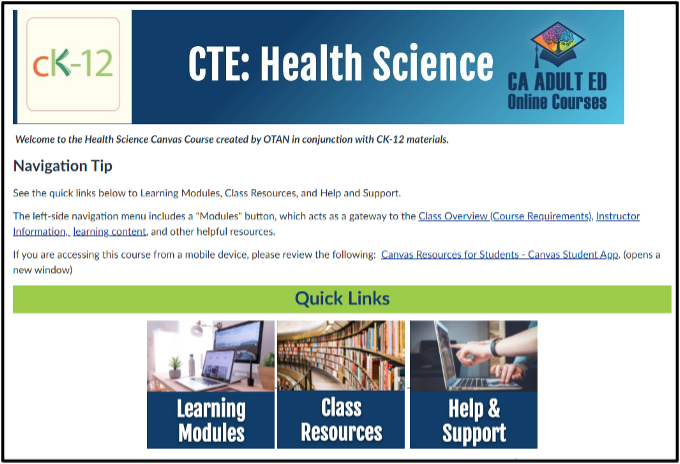
CTE Courses: Health Science for Medical Courses (from CK-12)
I asked an instructor in the Medical Courses at one of our adult schools if the information covered in this CK-12 course was adequate for their medical programs. She said the health science information was up to date and accurate, an excellent addition to your medical program.
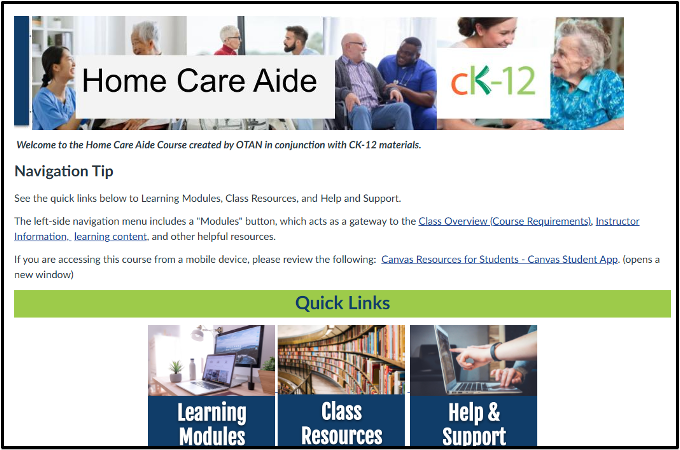
Home Care Aide from CK-12
This course was created by an adult education instructor to use in their Home Care Aide class. She used the CK-12 platform to create the course. Their school used the course that fall quarter.
How to Get an OTAN Canvas Course
- Sign into Canvas (get a free Canvas Account)
- Scroll down to “Commons” on the left navigation bar
- Select “Filter” on the top right
- Scroll down and select “California Adult Education Canvas Commons”
- Explore what is available. Select a course title to preview
- Add the course to Favorites or Import to a Canvas Course
If you do not see the option of California Adult Education Canvas Commons, you will need to apply to OTAN for membership. It is a simple process, just fill out the form at California Adult Education Canvas Commons. If you need help, email AECanvas@scoe.net for support.
Review: A few more benefits of using OTAN Canvas Courses
- Accessibility requirements are addressed by Canvas.
- Students gain experience with online platforms, so they are prepared to go to Community Colleges.
- Canvas works well on student smartphones, opening academic flexibility to our students.
- The learning environment can be customized, students can learn at their own pace, watch and re-watch lecture recordings, and spend extra time on difficult topics.
- Students can move forward on career advancements while continuing to work full-time.
- The online educational experience improves skills, not only online technical literacy but also soft skills such as self-discipline, and independence.
Future Course Development
At the beginning we made a request of you to let us know what courses you need. As an example, for some time teachers in the Medical careers have complained that their students really struggle with math. They asked that we create a course designed for the needs of medical students, problems that were written as they would be found in the “real” medical world. OTAN listened and is currently working on a Medical Math Canvas Course. What do you need? Contact support@otan.us with your suggestions.
Final Point
Canvas Commons allows us, as teachers, to share what we have created with other adult education instructors in California. At OTAN we are excited to not only share what has been done but also create what is wanted or needed. Please let us know what Canvas courses you would like to see in the future. Contact support@otan.us with your suggestions and requests.