



Top Story...
Ready-to-Use Thanksgiving Activities, Readings, & Discussion Guide by ESL Laboratory
Posted on 11/05/2026
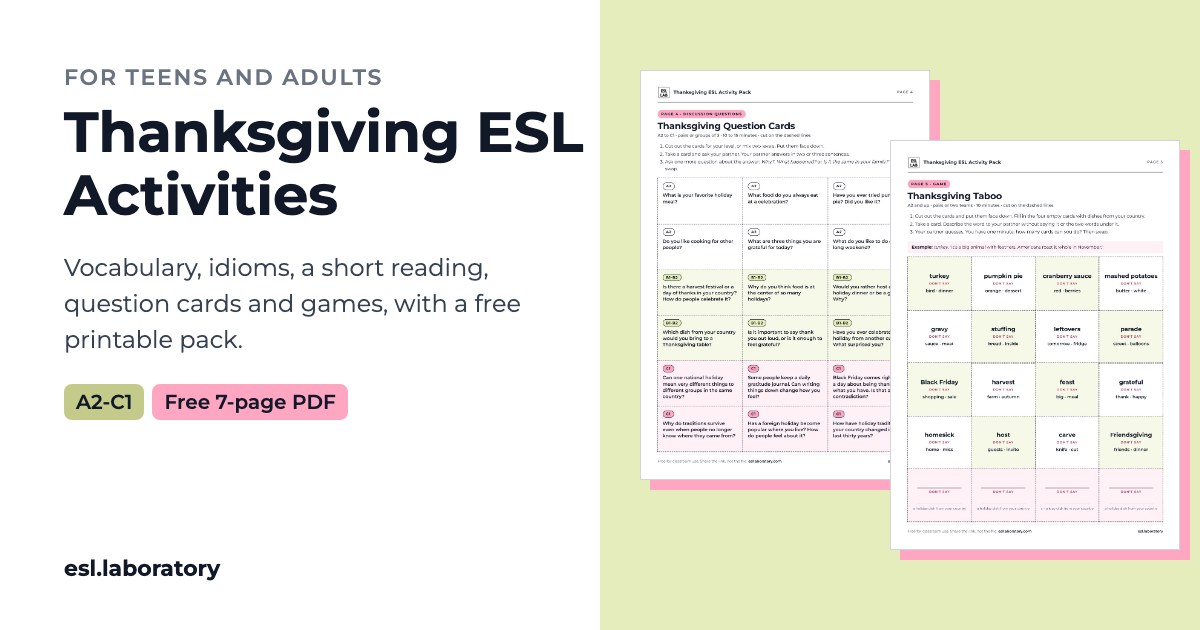
ESL Lab has released a comprehensive, free set of Thanksgiving classroom materials designed specifically for adult and teen learners. The resource offers a multi-stage approach to the holiday including warm-up prompts, contextualized vocabulary, an accessible short reading, leveled discussion questions, classroom games, and a concluding writing exercise. Additionally, educators can download a free, ready-to-print 7-page PDF that includes student worksheets and answer keys without requiring any registration or sign-up.
How to Integrate Across ALL Adult Education Programs
While originally designed with language learners in mind, these adaptable activities can be integrated across various Adult Education program areas:
- ESL & ABE: Practice real-world vocabulary, American idioms, and conversational fluency while giving English learners a space to share and compare harvest traditions from their home countries. Vocabulary lists (food, traditions, feelings) and the short level reading text can build background knowledge, practice reading comprehension, and review foundational language in context.
- HSE & ASE: Use the discussion prompts and reading text as springboards for critical thinking and analytical writing. Students can debate the economic and cultural intersections of Thanksgiving and Black Friday, or write comparative essays evaluating holiday traditions and historical perspectives.
- CTE & Workforce Preparation: Food brings people together no matter the context. Incorporate an exercise like the "Plan the Feast" budget activity, where small groups manage a $100 budget to negotiate and select a menu for eight guests. This activity fosters soft skills such as teamwork, financial planning, workplace negotiation, and communication.
- Digital Literacy: Have students download the printable PDF directly from ESL LAB, navigate the online lesson options, or use online collaboration tools (such as shared docs or breakout room chats) to complete the "Alphabet Race" or "Would You Rather" activities in remote or hybrid settings.
Thanksgiving Activities
The resource is structured logically into plug-and-play sections so instructors can pick individual warm-ups or build a complete multi-day unit:
- Warm-Up & Icebreakers: Quick 5-minute interactive openers like "Would You Rather" and conversation prompts to get students speaking immediately.
- Target Vocabulary & Idioms: Contextualized word lists sorted into three practical categories (Food, Traditions, and Feelings) alongside common American English idioms like "talk turkey," "have a lot on your plate," and "count your blessings."
- Contextual Short Reading: A short passage covering the history of Thanksgiving, modern family traditions, and diverse cultural perspectives (including Native American viewpoints and Black Friday).
- Leveled Discussion Questions: 18 tiered conversation cards strategically divided across three language/critical thinking levels:
- No-Prep Thanksgiving Games: Dynamic classroom activities like Thanksgiving Taboo, Plan the Feast (budgeting task), Gratitude Chain, and Alphabet Race.
Check out the Thanksgiving Link Here
🔗 You can learn view the free resource here
Note: While ESL LAB offers free access to select lesson materials, they also feature paid subscription tiers for full access to their entire library. OTAN provides this link solely as an educational resource and does not necessarily promote the purchase of paid subscriptions or premium content.