Top Story...
Upcoming OTAN Activities - Week of October 26
Posted on 10/26/2026
Check out this month’s OTAN digest for our most recent Adult Ed news! October OTAN Digest
Newsworthy Items

The California Department of Education, OTAN, and CDT have launched a new suite of free digital inclusion tools, training, and resources to help adult education programs bridge the digital divide. Complete the Digital Tools and Resources Sign-Up Form today to gain access to staff training, digital literacy platforms, and AI courses for your learners.
Next Month's Upcoming Activities
.png)
Thursday, November 12 at 8:00 am – 3:30 pm | OTAN Regional Canvas Summit | Southern California | OTAN Subject Matter Experts | Join adult educators and administrators from across Los Angeles for a free, one-day, hands-on professional development event focused on the practical use of Canvas in adult education. Whether you are new to Canvas and building foundational course elements, an experienced instructor exploring advanced tools, or an administrator managing courses, users, and integrations, there are sessions tailored to meet your needs.
Thursday, November 12 at 1:00 pm – 2:00 pm | Northstar Digital Literacy User Group | Anthony Burik, OTAN Subject Matter Expert | Join this user-driven group of adult educators using Northstar Digital Literacy at their agencies. Some possibilities for regular meeting topics: hear about the different ways educators are using Northstar, share best practices and things that work, address and get advice on concerns and challenges, and exchange tips and ideas.
Friday, November 13 at 1:00 pm – 2:00 pm | OTAN Tech Talk November 2026: App-solutely Effortless: Build Custom EdTech Tools with Claude Artifacts | Josh Eick, OTAN Subject Matter Expert | Tired of spending hours hunting for the perfect quiz, flashcard set, or activity — only to find it's almost, but not quite, right for your class? In this webinar, you'll learn how Claude Artifacts lets you turn your own lesson materials into custom, interactive apps in just minutes. No coding experience or prompt-writing expertise required — just a willingness to tell Claude what you need.
Saturday, November 14 at 9:00 am – 10:30 am | What’s New in Canvas LMS? | Dana Thompson, OTAN Subject Matter Expert | Stay current with the latest updates in Canvas LMS! This session highlights new features, enhancements, and upcoming tools designed to improve teaching, learning, and course management.
Monday, November 16 at 1:00 pm – 2:00 pm | Unlocking Canvas Success with OTAN: Free Resources, Support, and Professional Development | Elvira Harris & Miranda Currie, OTAN Staff | Are you maximizing your use of Canvas or do you wish you could get support to make the most of it? Whether you're brand new to Canvas or looking to strengthen implementation at your agency, OTAN is here to help. Discover the many free resources and support services available through OTAN to help your agency implement Canvas.
Tuesday, November 17 at 12:00 pm – 2:00 pm | AMP Teacher Technology Survey Focus Group | Ana Mendoza-Santiago, OTAN Coordinator | OTAN invites California adult education teachers, administrators, and technology leaders from WIOA Title II funded agencies to participate in a focus group reviewing a proposed revision of the Teacher Self-Assessment, a survey used as part of agencies' Annual Momentum Plan (AMP; formerly known as the Continuous Improvement Plan (CIP)).
Fall Conference Season
OTAN at CAEP Summit 2026 | October 27–30, 2026 | OTAN SMEs lead five high-impact sessions focused on artificial intelligence, rural agency access, and standards-aligned lesson design. ad
OTAN at CATESOL 2026 State Conference | November 6–7, 2026 | Four interactive workshops hosted by OTAN experts and the Teaching with Technology Interest Group (OT-IG), connecting ESL pedagogy with emerging digital tools.
OTAN at CCAE South | South Coast Fall Conference 2026 | November 6–7, 2026 | OTAN has a robust slate of 8 sessions showcasing OTAN’s flagship state tools, free Canvas curriculum, and classroom technologies like Claude AI, Gemini Notebook, and more.
OTAN at CTE Conference 2026 | November 18–20, 2026 | Come see 3 specialized presentations addressing language support, applied math, and agency-level retention systems within Career Technical Education.
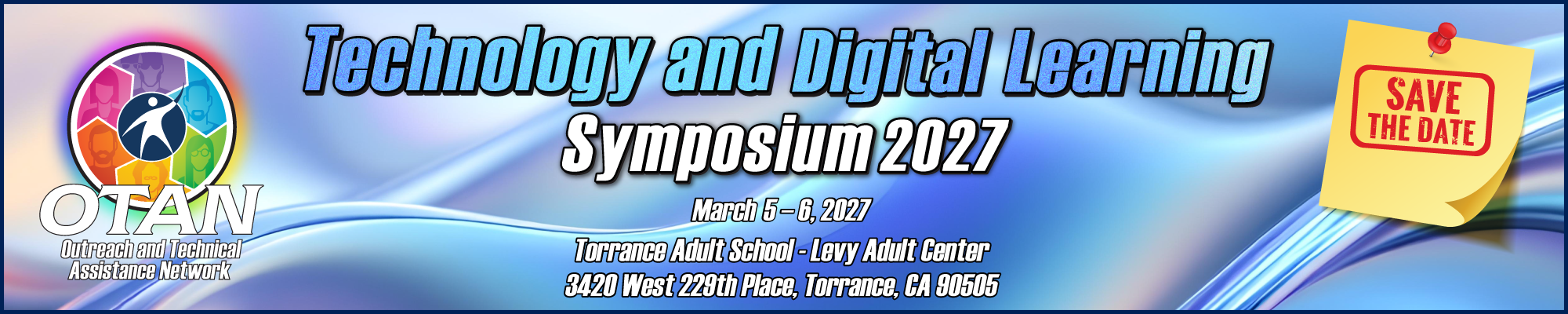
Now Accepting Proposals for TDLS
.png)
Registration is Open! Proposal Submission Deadline is Dec 7, 2026 | TDLS Call for Proposals & Registration | We invite you to submit a presentation proposal for OTAN’s annual conference. Share your expertise, best practices, and engaging strategies. TDLS is all about collaboration and capacity building within the adult education community. The deadline for TDLS Call for Presenters is Monday, December 7, 2026.